Christopher FUHRMAN
Professor in Software and IT Engineering
École de technologie supérieure (ETS)
tiny.cc/moose-tuto supporting this blog entry.




Example from my blog, Analyzing Java with Moose 8
Install the following for this tutorial
java (command in path) JRE v. 8+git (command in path)Moose-8 image from the Inria CI:
New Image Templates > Official distributions > Moose Suite 8.0 (development version) > Create image
Clone using
git clone ...
-or-
Clone with MooseEasyUtility.
In a Moose Playground (CTRL+O+W):
javaProjectFileRef := MooseEasyUtility cloneGitHubRepo:
    'https://github.com/bethrobson/Head-First-Design-Patterns'.
We will parse Java source to a Moose Model using VerveineJ.
verveineJFileRef := MooseEasyUtility cloneGitHubRepo:
    'https://github.com/moosetechnology/VerveineJ'.
You can also install it by cloning the repo in a command line.
FamixMaker tool in the menu Moose > Moose Tools > Famix Maker to produce a tmp/HFDP.mse Moose Model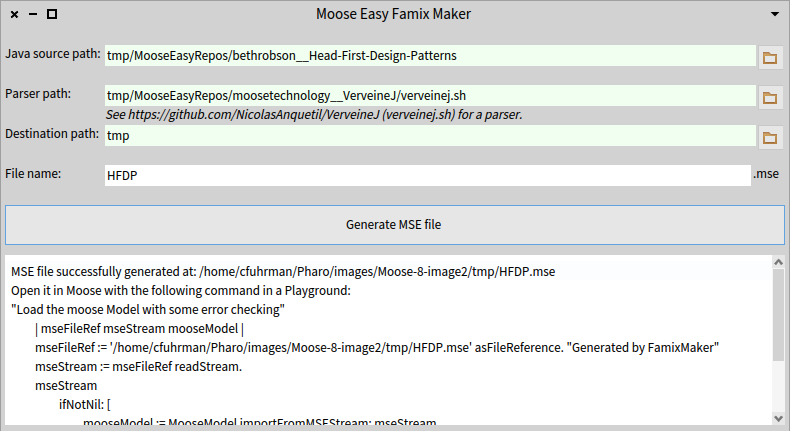
In a Moose Playground, execute:
"Load the moose Model with some error checking"
| mseFileRef mseStream mooseModel |
mseFileRef := 'tmp/HFDP.mse' asFileReference. "Generated by FamixMaker"
mseStream := mseFileRef readStream.
mseStream
	ifNotNil: [
		mooseModel := MooseModel importFromMSEStream: mseStream.
		mooseModel rootFolder:
      'tmp/MooseEasyRepos/bethrobson__Head-First-Design-Patterns'.
		mooseModel install. "So it appears in the Panel"
		mseStream close. ]
	ifNil: [ self error:
    'Could not load MSE file into Moose: ' , mseFileRef asString ].
Click Moose > Moose Projects > Load PlantUML Gizmo to load the project.
Invoke the GUI with the following command in a Moose Playground:
PUGizmoForMoose open.
The following browser should appear:
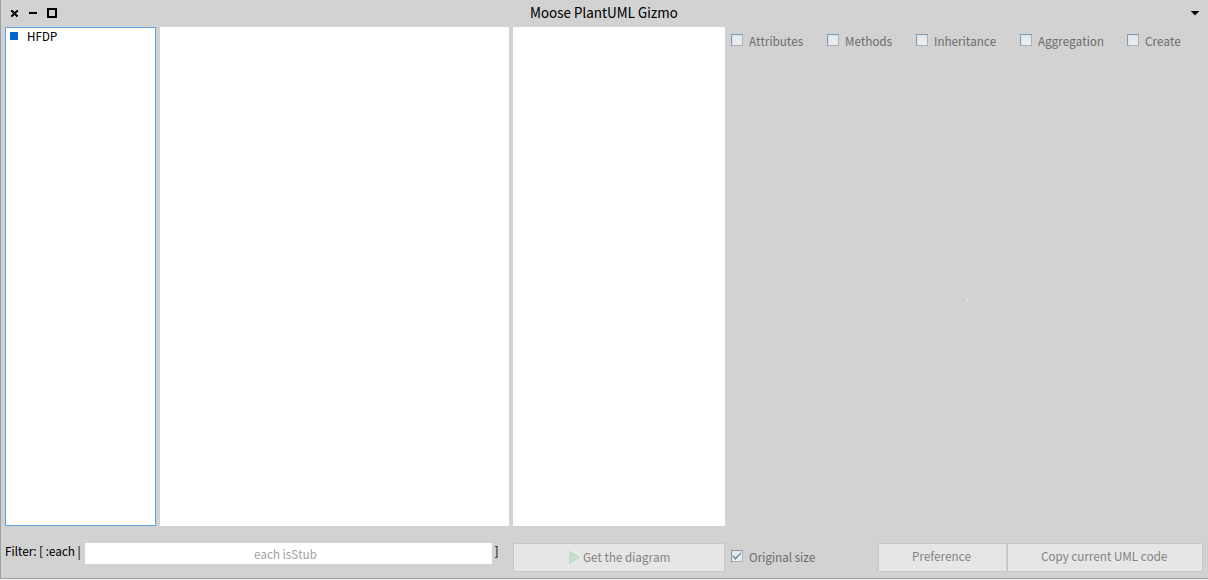
See the blog entry for details.
There are some other ways to use Pharo to do analyses on a Java model. Benoît Verhaeghe has a complementary blog entry to show such analyses.
Execute the following in a Moose Playground:
Metacello new
    githubUser: 'badetitou' project: 'OOAnalysis' commitish: 'master' path: '.';
    baseline: 'OOAnalysis';
    load
<scripts > in OOAnalysis/OOCriticsVisu:
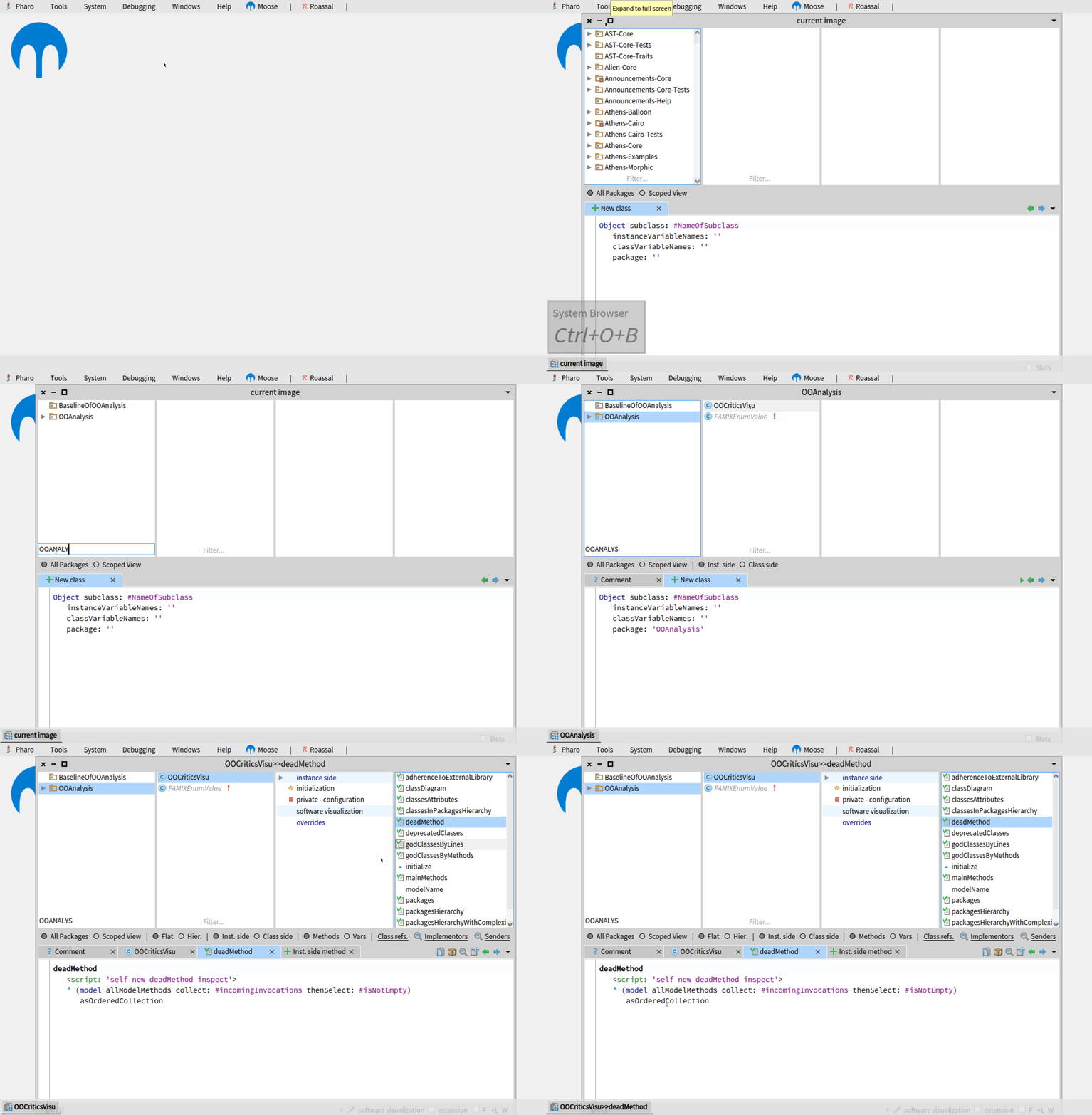
Write your own analyses in Pharo/Moose.
Learn more Pharo:
Write your own analyses in Pharo/Moose.
Learn more Moose:
Write your own analyses in Pharo/Moose.
Analyze other languages (experimental):
Please leave me feedback at the bottom of the blog entry, or via email: Christopher.Fuhrman@etsmtl.ca